




Choosing Catering Service Software for Multi-Site Restaurants

What Catering Service Software Must Do for a Multi-Site Operation
Choose catering service software that gives your central kitchen its own ordering space, separate from what each outlet buys, because most tools mix the two together. The best tools run the central kitchen's incoming orders, order creation and audit trail from one dedicated section, while each restaurant keeps its own daily purchasing. This article shows the four things to test before you sign, and the one integration question that catches most tools out.
Event-catering tools handle proposals and banquet orders well, but a restaurant group also runs recipes, stock and supplier costs across every site. Most software that ranks for "catering service software" is built for an events business.
- Proposals
- Banquet event orders
- Deposits
- Staffing for a wedding
- A corporate lunch
That work matters if events are your whole business. A restaurant group that also caters runs a harder job.
- Volume stacks up. Catering volume grows on top of the dine-in operation, often across more than one concept.
- Three things at once. The ordering, costing and stock all have to stay under control at the same time.
One multi-concept operator told us their back-of-house work got harder the moment a new site opened alongside a growing catering line. Keeping supplier ordering consistent across concepts became the daily problem.
So read any "catering software" shortlist against a simple test. Does it manage what your group buys, counts, costs and reports across sites, or does it only plan the events? If you already run catering inventory on spreadsheets, our guide to catering inventory management covers the groundwork this software is meant to replace.
Keep Group Ordering Separate From Each Outlet's Purchasing
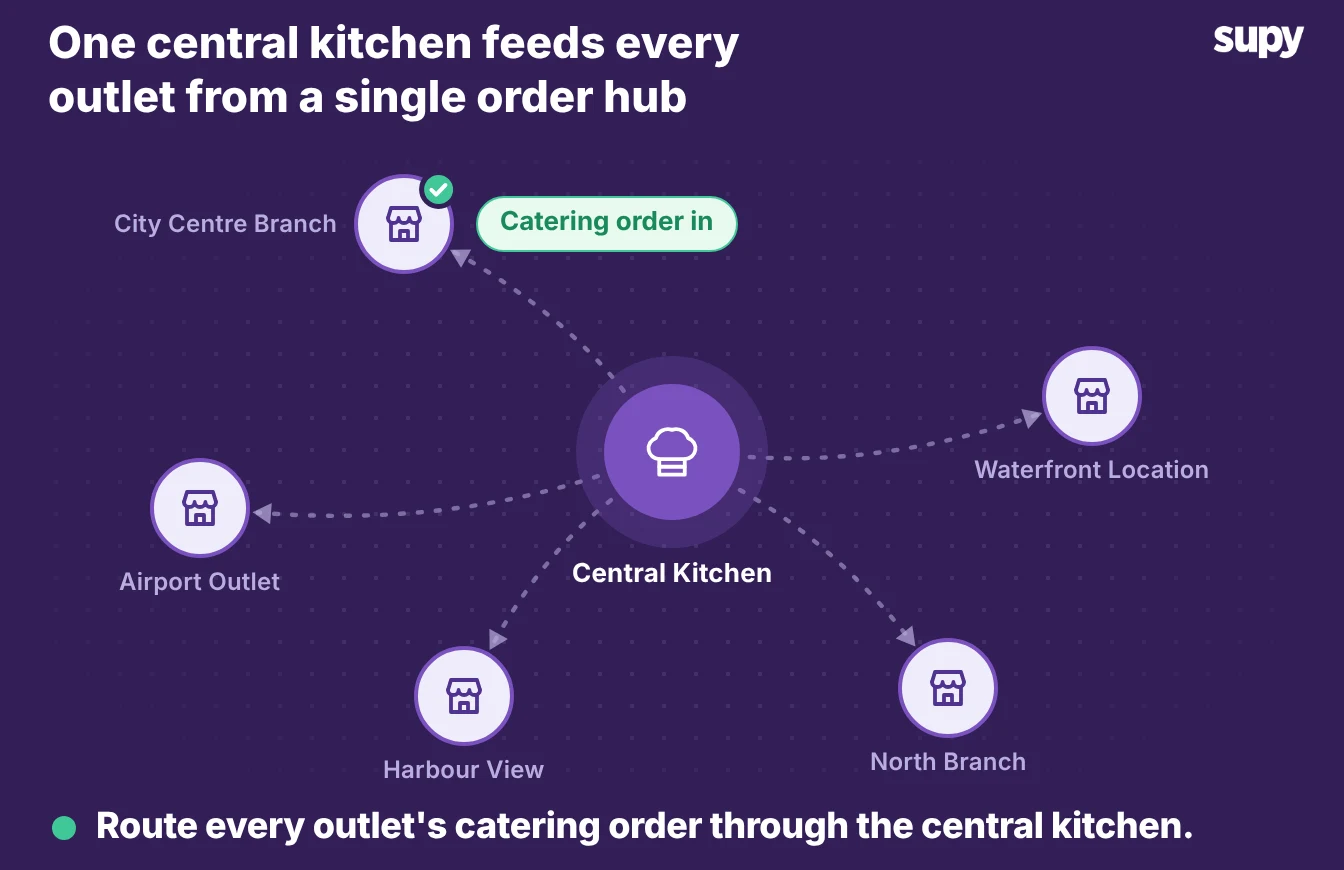
The first thing to test is whether the software can tell group-level buying apart from each outlet's own purchasing. A central kitchen that preps for catering buys in bulk and on its own cycle.
Each restaurant still orders its own daily items. If both sit in one undivided list, head office cannot see who ordered what.
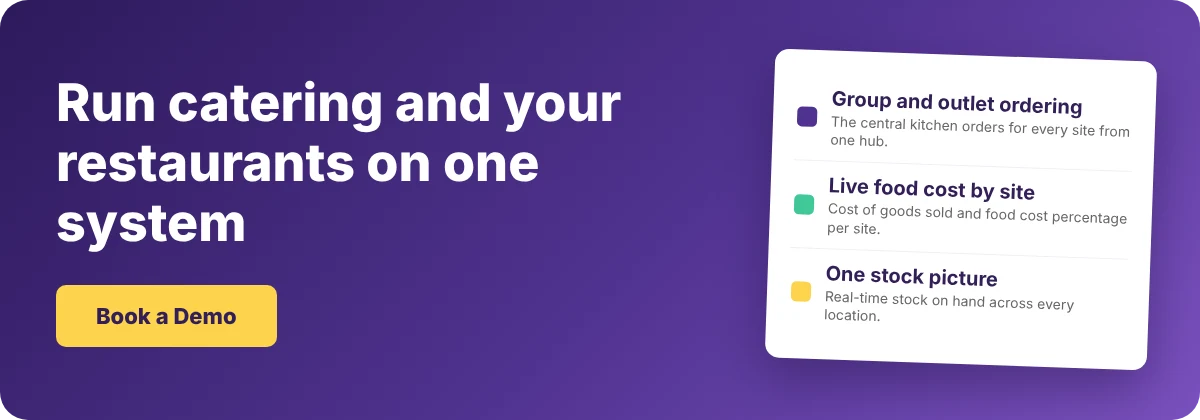
- Own ordering space. Good software gives the central kitchen its own ordering space. Branches send purchase orders to the central kitchen, and the system consolidates demand for the same ingredient across every branch. Head office can place an order on behalf of any site. The group keeps one audit trail of what was ordered and received, without anyone switching tools. That separation lets a group scale its catering line while head office still knows what each site ordered.
- Side by side. Ask the vendor to show you two orders side by side in a demo: a central kitchen bulk order for an event, and a single outlet topping up its daily stock. If the software cannot show both as separate, controlled flows, it was built for one site, not a group.
Cost Catering Menus the Way You Cost Your Restaurant Menus
Catering menus change more often than your dine-in menu, so costing has to keep up. A one-off event menu, a seasonal package and a standing corporate order all draw on the same ingredients your restaurants use. If the software costs your dine-in dishes but leaves catering menus uncosted, you are quoting events on a guess.
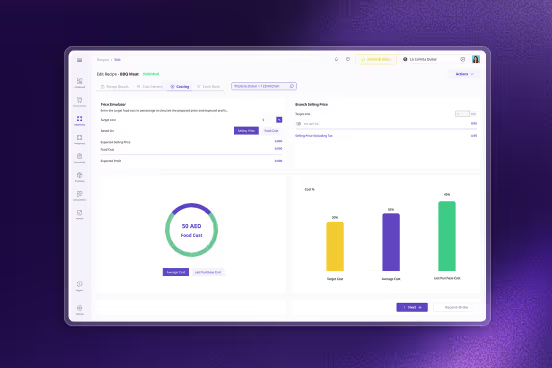
Look for recipe costing that treats a catering dish exactly like a plated one. It should do four things.
- Cost every recipe type. Plated dishes, prep recipes and semi-finished items all cost from the same ingredient prices.
- Link recipes to sales. Each recipe ties to the item it sells, so cost of goods sold and food cost percentage show by menu category.
- Reprice on a price change. When an ingredient price moves, every menu that uses it reprices at once, catering menus included.
- Flag the variance. The software compares theoretical cost against what you actually used, so a margin that slips on a large event shows as a variance, not a month-end surprise.
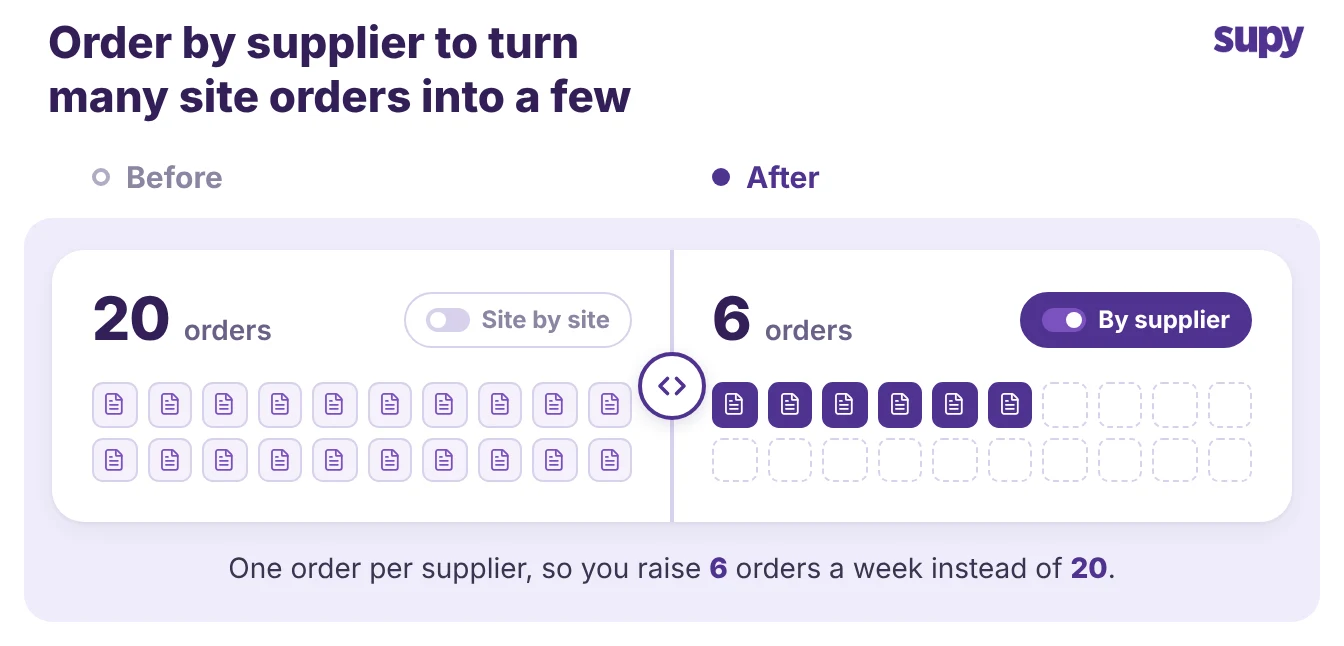
Say a catering portion costs $6.30 in ingredients and $0.90 in packaging. That is $7.20 a head. Good software costs every catering line this way and holds it against the price you quote, so a thin margin shows before the event rather than after it.
That matters most for operators who change menus and recipes often. One large event-catering operation running roughly 2,500 events a year told us frequent menu changes were their core challenge. Every change had to flow through to cost and stock without manual rework.
One Stock Picture, and One Record of Every Supplier
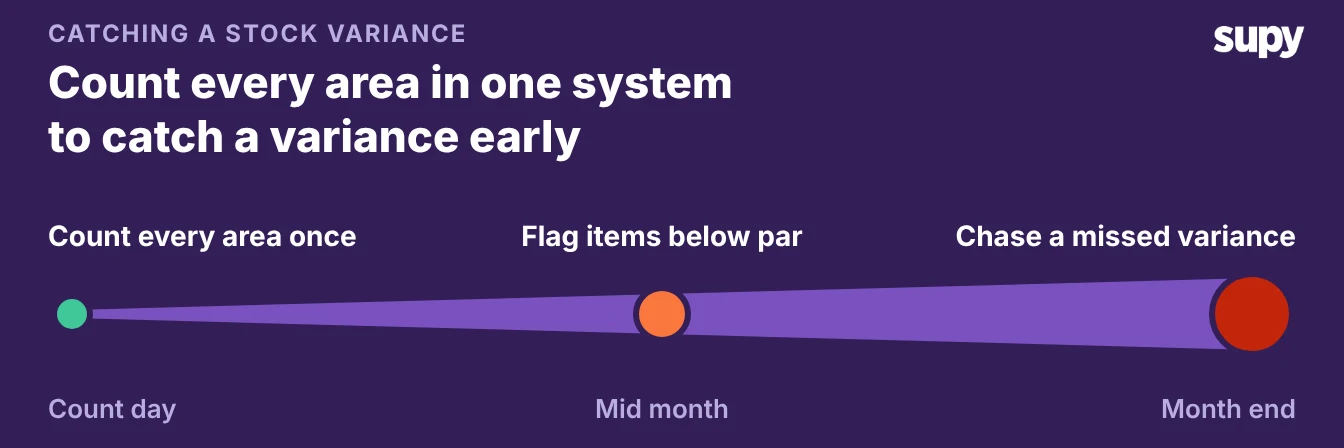
A catering operation spreads stock across more places than a dine-in kitchen does. One operator described counting across the bar, several fridges, cupboards, a cellar, the kitchen and dedicated catering bays, and finding the whole job confusing because nothing tied those areas together.
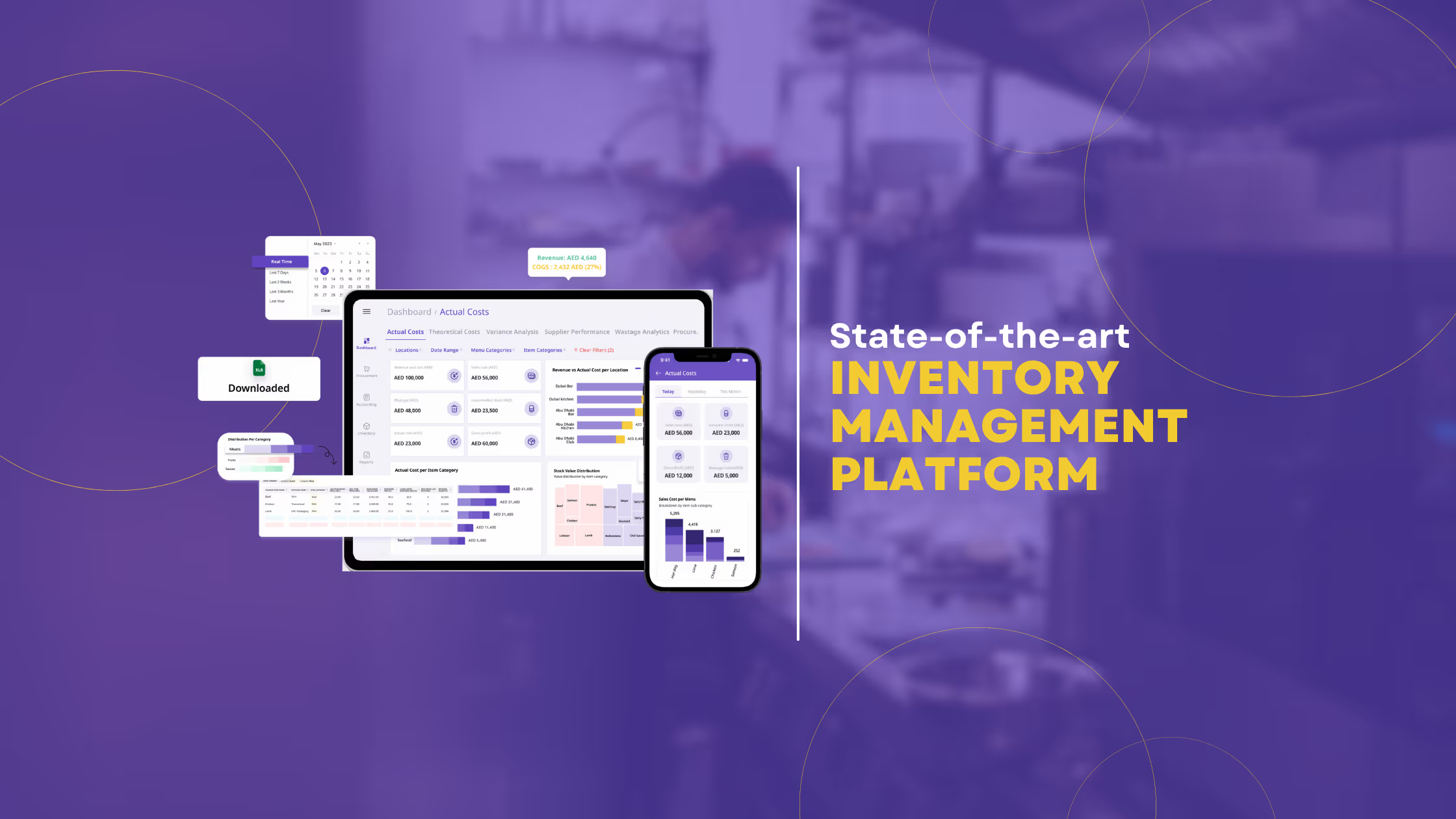
The software you choose should give the group one live stock figure across every storage area and every site, not a separate sheet per location. Check three things in the stock picture.
- One live count. Real-time stock on hand by location and storage unit, with items below their minimum or above par flagged.
- One base item per ingredient. Every supplier's pack size links to it, so your numbers stay honest when the same ingredient arrives in different pack sizes.
- Par across the group. Par and minimum levels are visible group-wide, not one site at a time, so you can see where catering demand pulls stock down.
If you'd rather not work par out by hand, the free par level calculator does it for every item on your sheet from your usage, delivery days and supplier lead times.
Strong restaurant inventory management software ties all of this to one supplier record, so a price change or a new pack size updates everywhere it is used.
Check the Integrations Before You Sign
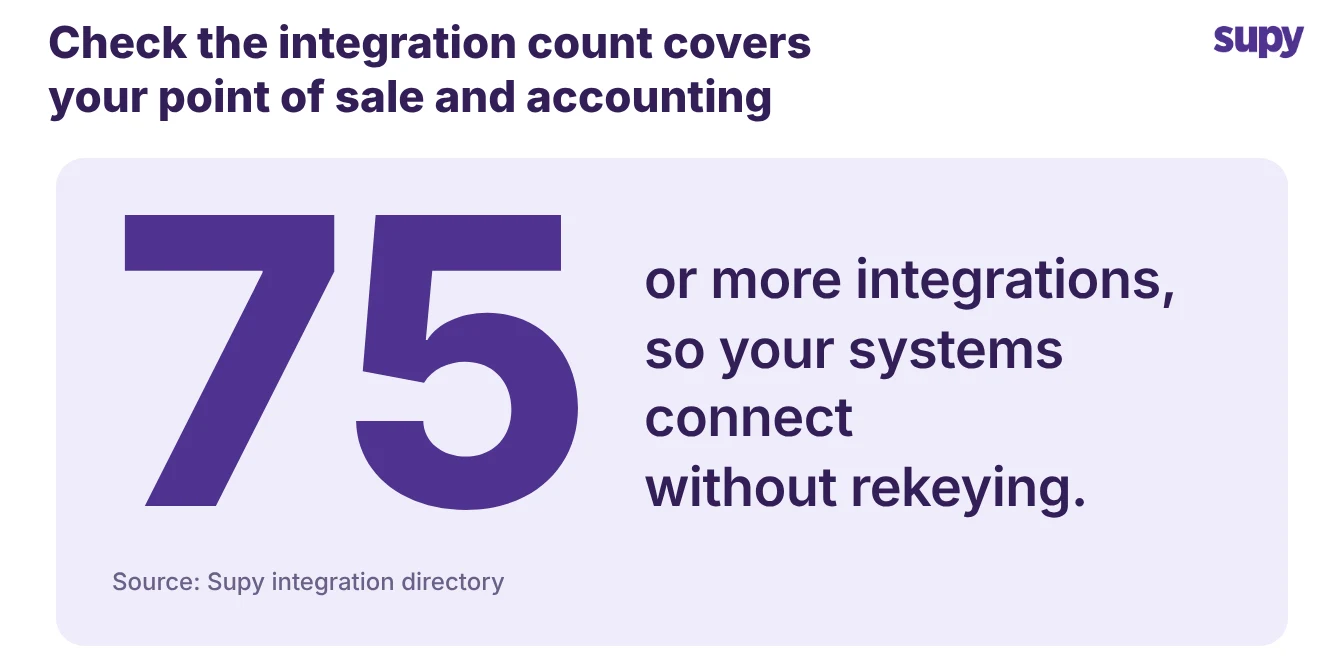
The last test is whether the software fits the systems you already run. Your point of sale records what sold, your accounting system holds the ledger, and catering ordering often runs through a workflow of its own. Software that connects to all of this saves your team from rekeying the same figures twice.
- Integration list. Ask for the integration list and read it against your own stack. A platform with 75 or more integrations across point of sale and accounting will usually cover the common ones. A daily sales feed by branch also lets the software forecast demand up to 14 days ahead.
- Write access question. Then ask the one question that catches most tools out. Can your existing ordering workflow write back into the software through its application programming interface, or does the connection only export data out? One large event-catering operation asked for write access so their own ordering system could feed orders in, and found that many tools read and export but do not accept writes. If a write-back connection matters to your operation, confirm it before you sign, not after.
What to Check in a Demo
Walk into the demo with four criteria and judge each one on what you see, not on the sales deck.
| Criterion | What good looks like | Red flag |
|---|---|---|
| Group vs outlet ordering | The central kitchen sees consolidated demand per item and can order for any branch | One shared order list with no split between the group and each site |
| Recipe costing | Catering and plated menus cost from the same ingredient prices and reprice together | Costing works for dine-in menus only |
| Stock across areas | One live count across bar, fridges, cellar and catering bays, with par visible group-wide | A separate stock sheet for each storage area or site |
| Integrations | Your point of sale and accounting connect, and ordering can write back through the API | Export files only, with no write-back |
Score each criterion yes or no as you watch the demo. A tool that misses group-versus-outlet ordering or stock across areas was built for a single venue, and a catering line across several sites will outgrow it within a season.
Start with the two that are hardest to retrofit, ordering and stock, and let the costing and integration answers decide between the tools that pass both.