.jpg)


Scheduled Supplier Price Changes: How Multi-Site Restaurants Keep Recipe Costs Up To Date Automatically

Enter a Supplier Price Change Before It Lands, and Recipe Costs Update Themselves
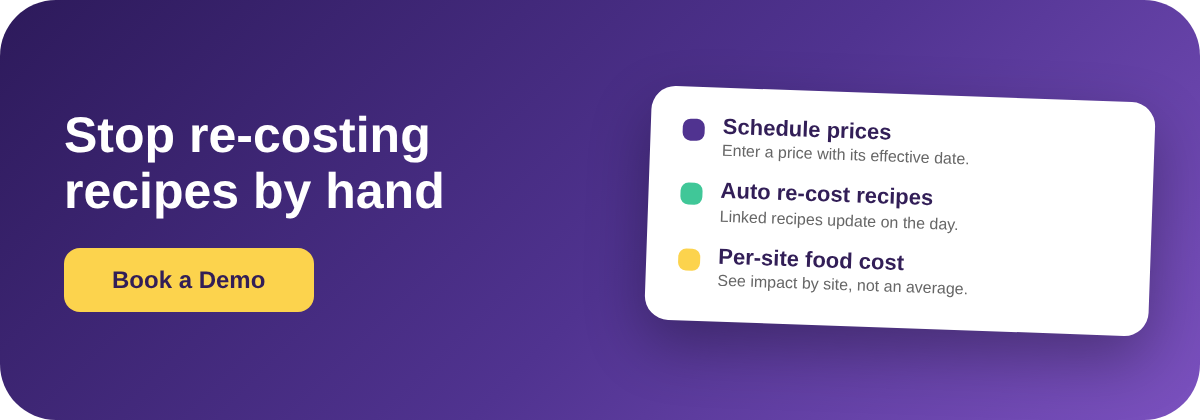
You can enter a known supplier price change ahead of time, set the date it takes effect, and let every recipe that uses the ingredient re-cost itself automatically the day the new price applies. No spreadsheet re-keying, no quarterly costing project. The price you were told about in an email becomes a scheduled change, and your food-cost numbers move with it on the right date.
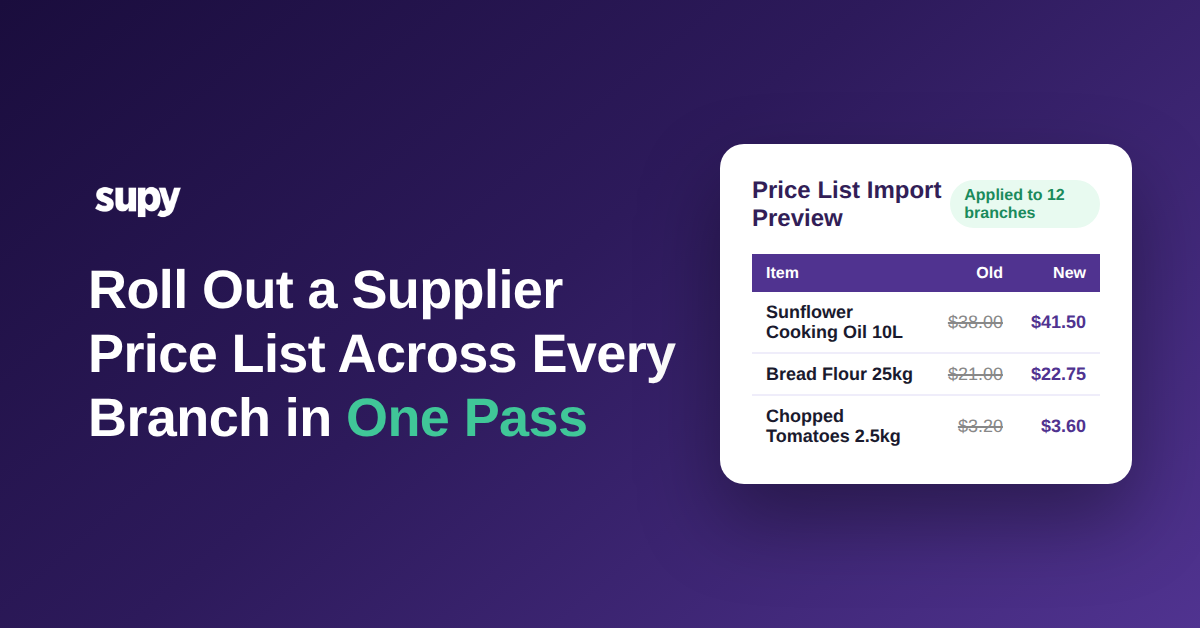
That matters because a price rise almost never arrives on a convenient day. A supplier confirms a 14.7% increase on mozzarella, from $8.50 to $9.75 per kg, effective the first of next month. In most operations that email gets filed, and the recipes keep costing at the old price until someone finds time to update them. Scheduling the change closes that gap: the new cost is already in the system, dated, waiting to apply itself.
For a group running the same recipes across several sites, the scheduled change applies everywhere the ingredient is used, so a single entry keeps every location's costing accurate instead of leaving four branches on four different versions of the truth.

Why Re-Costing Recipes by Hand Leaves 90 Days of Margin on the Table
The real cost of manual re-costing is not the labour, it is the lag. Operators who re-cost recipes by hand tend to do it quarterly at best, which means a price rise can sit unreflected in the numbers for up to 90 days. For all of that time the food-cost reports read low, the menu looks healthier than it is, and nobody makes the pricing or purchasing decision the change should have triggered.
The damage compounds because it is invisible. A 28-cent rise on a Margherita Pizza that sells hundreds of times a week does not announce itself; it just quietly pulls the gross margin down from 78% to about 76% while the report still shows 78%. Multiply that across every recipe touched by every ingredient that moved this quarter, and the group is steering on numbers that describe last season, not this one.
Scheduling the change removes the lag entirely. The cost updates on the effective date, so the first food-cost report after that date already tells the truth.

What Changes on Every Affected Recipe the Day the New Price Applies
When a scheduled price takes effect, the recalculation is not limited to one recipe. Every recipe and prep recipe that contains the ingredient is re-costed, and the change carries through to semi-finished items that feed other dishes, so a base sauce and every plate built on it all move together.
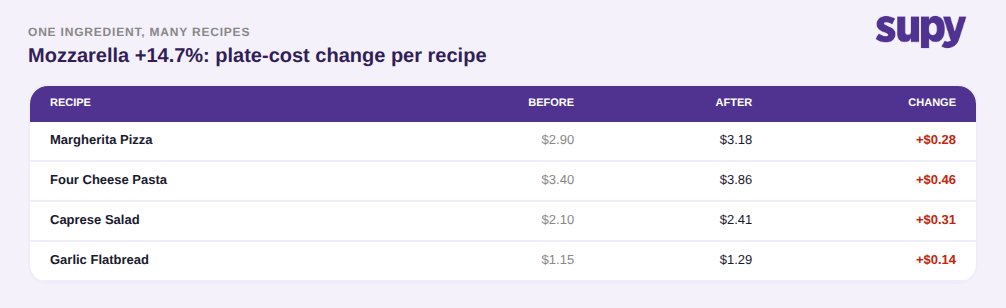
The table below shows what a single mozzarella increase does across a handful of recipes: the Margherita Pizza plate cost moves from $2.90 to $3.18, the Four Cheese Pasta from $3.40 to $3.86, and smaller users like the Garlic Flatbread shift by only 14 cents. In this sample the one ingredient touched 37 recipes. Doing that by hand is where errors and omissions creep in; letting the system cascade it is both faster and complete.
Because costs are recalculated from each location's actual ingredient prices rather than a group-wide average, the recipe cost you see is the real one for that site, which is what makes the next decision, where to act, a per-location question rather than a group guess.
Reading the Margin Hit Per Location, Not as a Group Average
A group average hides the sites that need attention. The same mozzarella rise lands differently depending on how much of each branch's menu leans on it: in this sample the Airport Outlet and North Branch food-cost percentages climb by 2.2 and 2.3 points, while Harbour View moves only 1.5. Averaged together they look like a mild groupwide drift; read per location they point straight at the two sites where the margin is actually leaking.
That per-site view is what turns a price change from a report line into a decision. For the branches taking the biggest hit, the options are concrete: reprice the affected menu items, re-spec the recipe, or take the increase back to the supplier with the volume those sites represent. Live food-cost and COGS dashboards at group, site, and menu-category level let you see the impact the day it lands and choose the response per site.

The first move is small: the next time a supplier confirms an increase, do not file the email, enter it as a scheduled change with the effective date instead. From there, three checks keep the group ahead of its costs. First, confirm every ingredient is mapped to the recipes and prep recipes that use it, because the cascade only reaches recipes the ingredient is actually linked to. Second, after the change applies, read the food-cost impact per location, not as a group average, and flag any site whose food-cost percentage moves more than about two points. Third, decide the response for those sites specifically: reprice, re-spec, or renegotiate.
You can also link this back to your wider costing work: it sits alongside supplier price management and per-location recipe costing, and it is worth confirming in a demo by scheduling a future price on one item and watching it cascade to every recipe that uses it.