.jpg)

Posting Restaurant Orders to Accounting You Can Trust: Approval Control, Confirmed Sync Status, and Clean Failure Recovery
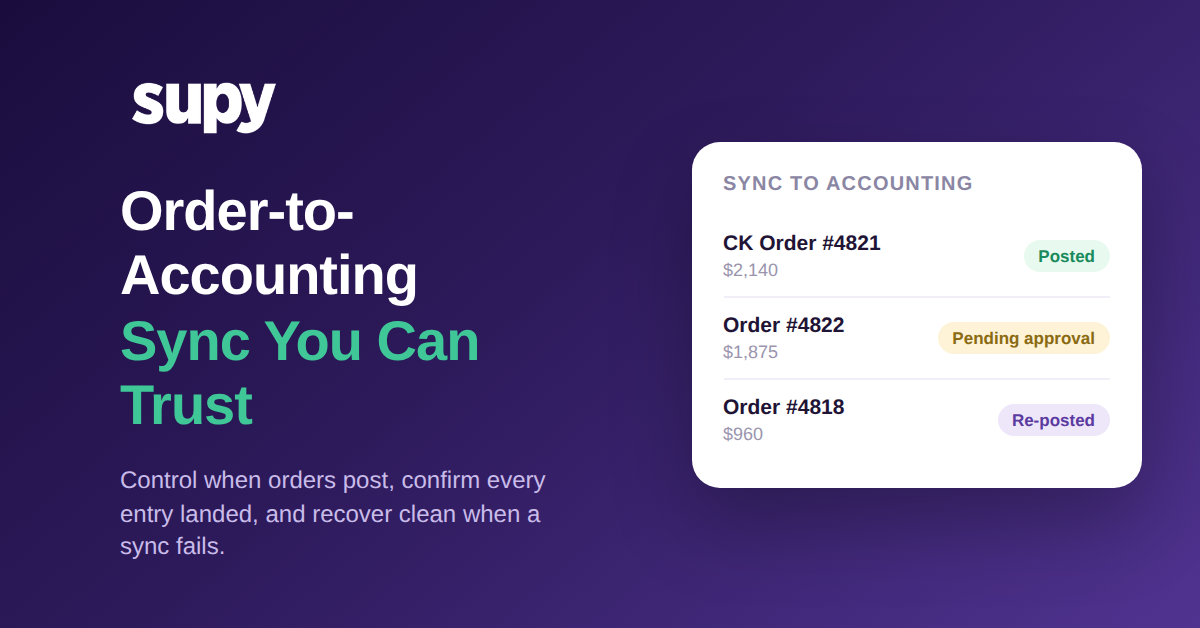
Posting to Accounting Should Be a Decision, Not an Automatic Side Effect
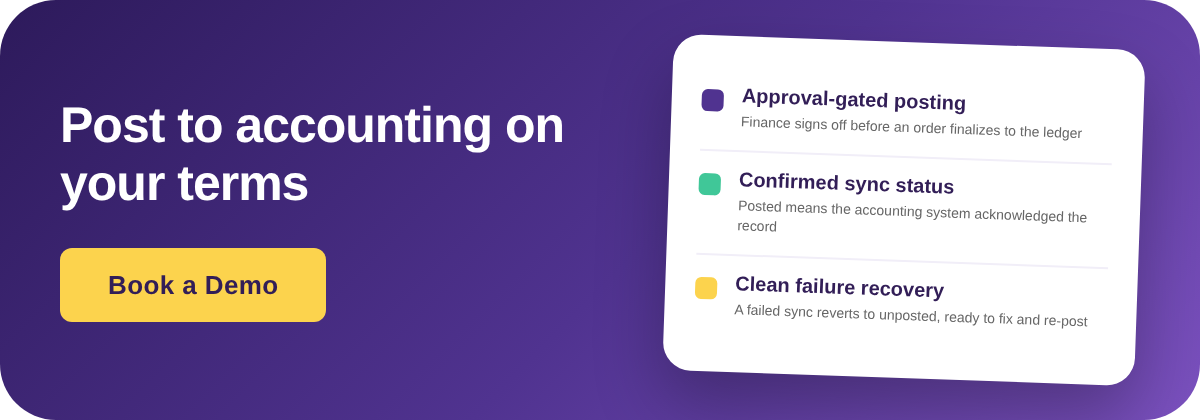
Posting an order to accounting is the moment a working document becomes a financial record, so a finance team should decide when it happens, not discover it after the fact. With Supy, an order or invoice waits for exception approval before it updates your accounts, which means the person accountable for the ledger controls the timing of every entry that lands in it.
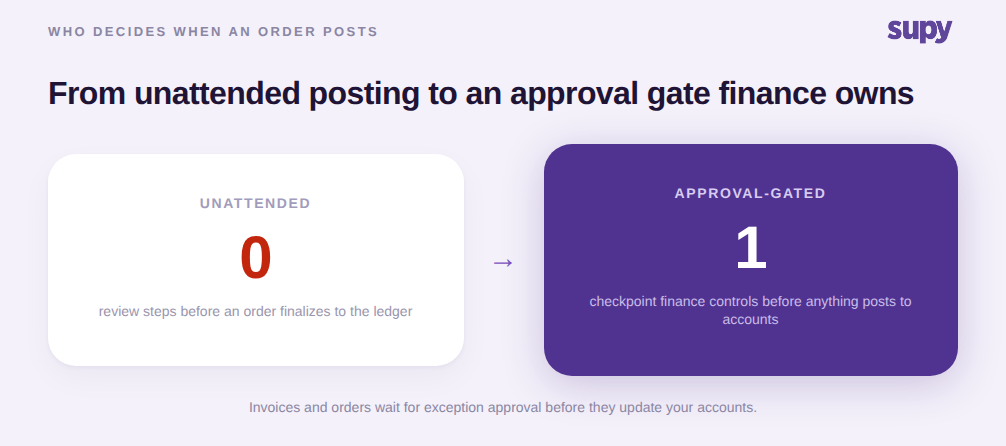
Finance leaders at multi-site groups keep asking for the same thing: a checkpoint before store orders finalize to the accounting system, so nothing publishes unreviewed or ahead of schedule. Unattended posting removes that checkpoint entirely. Orders flow to the ledger the instant they are raised, and the first time finance sees them is when they are already booked, sometimes in the wrong period or against the wrong supplier record.
An approval gate closes that gap without slowing the kitchen down. Branch teams keep ordering as they always have, while the accounting side gets a single, controlled point where entries are reviewed and released. The order does not become a journal entry until someone with authority says it should.
When a Sync Fails, What Happens Next Decides Whether You Trust the Setup
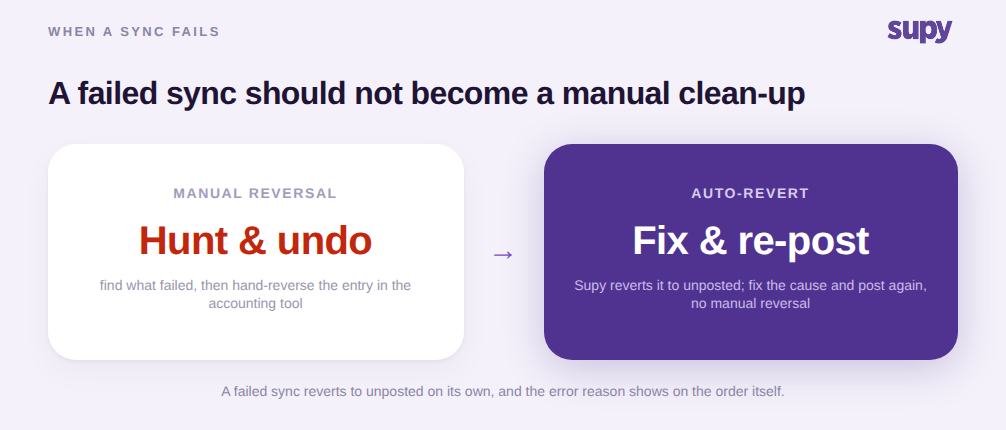
A sync will fail sometimes, and what the system does in that moment matters more than the fact that it failed. In Supy, a failed sync reverts the order to unposted automatically, shows the exact error reason on the order itself, and puts the Post to accounting action back within reach, so the fix is one clear step rather than a manual reversal.
Compare that with the usual experience. A posting quietly fails, the order sits in a half-booked state, and nobody notices until month-end reconciliation does not tie out. Then someone spends an afternoon working out which entry never made it across and reversing it by hand in the accounting tool. The failure was small; the clean-up was not.
Because the error reason is written on the order, the cause is usually obvious: a supplier or tax code that was never mapped, for example. Fix the mapping, press post again, and the retry succeeds. Retrying before the root cause is fixed simply will not go through, which stops the loop of pressing the same button and hoping. This is the reliability layer that generic accounting connectors rarely describe, and it sits on top of the one-time GL and tax-code mapping that codes every document correctly in the first place.
Posted Has to Mean the Entry Exists, Not That You Pressed Send
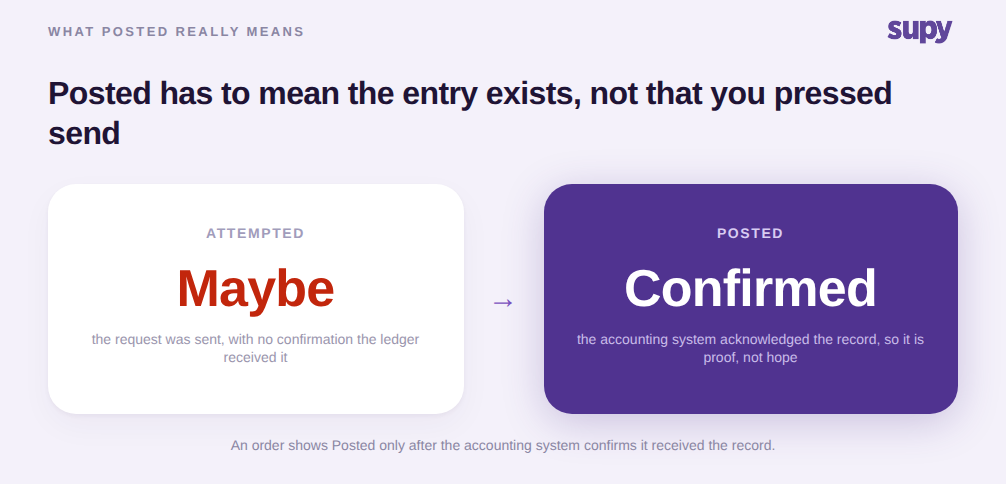
A status is only useful if you can act on it without checking. In Supy, an order shows Posted only after the accounting system confirms it received the record, so Posted is proof the entry exists rather than a note that a request was sent. That distinction is what lets finance reconcile from the order list instead of opening the accounting tool to verify each one.
Plenty of integrations mark a document as synced the moment they hand it off, with no acknowledgement that anything landed on the other side. That gives you a status you cannot trust, which is worse than no status at all, because it invites you to close the books on records that may not be there. When Posted waits for confirmation, a clean order list at period-end genuinely means the ledger is complete.
The Cost You Posted Should Stay the Cost of Record
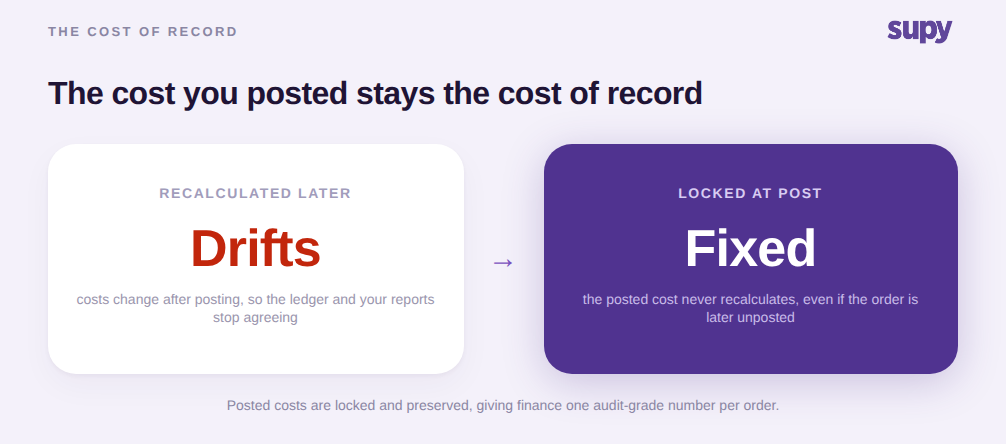
When a central kitchen order posts to accounting, Supy locks its costs at that point and never recalculates them, and unposting the order later does not change them either. The number that hit the ledger stays the number of record, which is exactly what finance needs for reconciliation and margin reporting to stay stable over time.
Costs that keep recalculating after posting are a quiet source of period-end pain. A price correction or a recipe change updates a figure that was already booked, and now the ledger and your operational reports disagree about the same order. Locking the posted cost breaks that drift. Paired with a tamper-proof audit trail that records who did what and when, every posted order carries one defensible cost that an auditor or a franchise partner can rely on.
This is the same discipline that makes Supy's connections to 75+ accounting, POS and ERP systems worth trusting: the data that crosses over is deliberate, confirmed, and fixed once it lands.
Your first move: watch one posting run end to end in a demo, and ask to see three things. Where the approval checkpoint sits before an order finalizes to the ledger. What the screen shows when a sync fails, and how the re-post works. And whether the Posted status waits for the accounting system to confirm receipt. If all three hold up, your finance team gets control over timing, a clean recovery path, and a status it can reconcile against. That is the difference between an integration that moves data and one your books can depend on.